
You've paid for creator footage, opened the first cut and heard your product page read back to you in a kitchen. It looks casual. It sounds like an ad. Check the brief before asking the creator to be more authentic.
UGC means user-generated content. Advertisers also use “UGC ads” for paid creator content filmed in a personal style. A good brief gives that person a real customer doubt to answer, evidence they can show and room to speak naturally. Here's a brief to send and how I'd review what comes back.
We don't classify UGC, so these numbers are about video and hooks in general. Treat the figures as context for researching a format, never as a verdict on creator content.
Know what kind of example you're looking at
Before commissioning a video, decide who should tell the story. A founder can explain a product decision. A customer can describe their experience. A paid creator can try the product and show what happens. Pick the person whose knowledge fits the claim you want to make.
When studying examples, watch the opening, the demonstration and the close separately. What question gets your attention? What do you actually see? What are you asked to do next? You can learn a lot from that sequence without copying anyone's mannerisms or apartment.
A believable story starts with a moment the speaker actually experienced. For a brow gel, that might be getting ready before work or learning how much product to put on the brush. The creator should show what happened with their sample, without turning that moment into a universal promise.
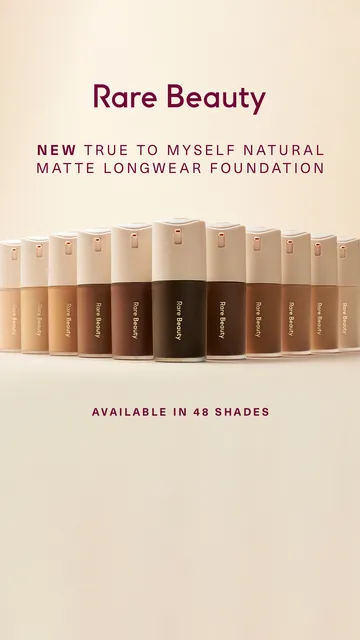
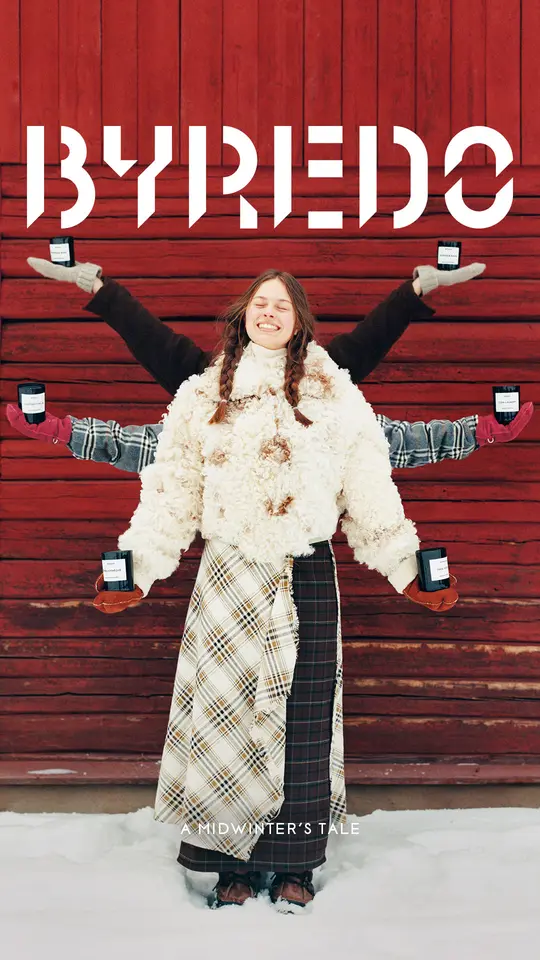
Browse the beauty ad examples and write down the moment each opening names. For your own video, be clear whether you want a customer's account, a creator's product experience or a scripted demonstration. A creator who received the product yesterday shouldn't be asked to describe months of using it. Give them something they can truthfully say, and let that shape the story.
Begin the brief with a customer doubt
“Make an authentic video” leaves the creator with all the hard decisions. Give them the question that keeps coming up before checkout. If people doubt whether a brow gel is easy to apply, show the brush picking up product and moving through the brow.
Tell the creator who they're speaking to and what that person already knows. Someone comparing brow gels needs a different opening from someone who's never thought about replacing theirs. Include the product details that answer the doubt, along with a sample they can actually use.
The customer doubt is the spine of the brief. Give your creator something useful to explain, such as how much brow gel to use or how to angle the brush. Supply accurate application instructions and ask them to show their own attempt. Keep the actual demonstration ahead of adjectives about the product.
Put the customer question at the top of the brief and ask the creator to repeat it back in their own words before filming. If their version sounds more natural, use it. Then agree on the evidence. “Show how you remove excess gel from the brush before applying it” is a filmable instruction. “Show how this transforms every face” gives them a promise they can't demonstrate.
Brief the hook, demonstration and next action
Here's a template to copy into the next creator brief. Fill it with the details of your product before sending it. If a field is hard to complete, that's a useful warning that the idea needs more thought.
- Customer: Who is watching, and what situation are they in? For a brow gel, picture someone getting ready before work.
- Doubt: What makes them hesitate? They worry the brush will deposit too much product.
- Promise: What should they understand after watching? They can see how to control the amount on the brush.
- Opening: Name the familiar annoyance in words the creator would actually use. Ask for alternative openings around that same frustration.
- Demonstration: Show the brush, remove the excess and apply the gel to a brow. Keep the relevant action visible.
- Evidence: Supply accurate application instructions and product details. Ask the creator to describe their actual experience with the sample.
- Next action: Invite the viewer to check the product details and choose the version that suits them.
- Must stay accurate: Include the product name, what comes with it and any claims the creator must avoid.
A brief should make the source of every claim clear. A founder can explain a design choice; a creator can describe what they experienced with the sample. Write those roles down before filming so an opinion never turns into borrowed expertise in the edit.
Use the UGC video scripts tool for a first structure, then edit it around the real demonstration. The video hook generator can help you try openings. Read them aloud. If the creator wouldn't say a line in conversation, rewrite it before filming.
Make the filming instructions useful
Specify the shots you need to understand the product. Ask for a clear view of the feature, enough uninterrupted action to see what happened and a version where important details aren't covered by text. Tell the creator why a shot matters so they can solve the problem in their own setting.
Then get out of the way on the details that don't affect the evidence. You may need to see the brush moving through the brow. You probably don't need to dictate the color of the creator's shirt. Overdirect every gesture and you'll get someone performing your document instead of explaining the product.
StealAds measures video versus image, without classifying UGC versus studio production. In the beauty sample, video ads had a median observed run of 23 days, while image ads had a median of 13 days. Ask whether the action earns the video. If a photograph explains the whole benefit, give the creator a stronger demonstration to make.
Before filming, settle permission to use the content, placements, editing rights and disclosure responsibilities. Agree on delivery of original footage and a clean version without added music if you need one. Confirm rights for music and other material. It's much easier to settle these details in the agreement than discover the finished edit can't be used where you planned.

Review it as an ad, then plan the next test
Watch the first cut without the brief open. Can you identify the product? Does the opening lead into the demonstration? Do you actually see the evidence for what the speaker says? Send back a cut that needs a spoken explanation from the brand before it makes sense.
Listen for claims that crept in during filming. A creator might turn “here's how I applied it” into “this works for everyone.” Ask them to correct the claim. The believable version is usually the one anchored to something you can see.
The next test should answer a question the first cut left open. Plan variations around a specific part of your video: the opening, the view of the brush or the moment the product touches the brow. Keep the rest steady enough to understand what changed.
Keep the demonstration and test a different opening, or keep the opening and make the proof easier to see. Write the question down before launch. The guide to ad run lengths helps with the timing conversation. Your account tells you whether the new version earns its place. Give the next creator the lesson while you still remember what needed fixing.
What our public data can tell you
We measure public Meta Ad Library ads from their start date to the last day we saw them. Ads seen near the latest observation count as live, so their measured runs can still grow.
The public-ad research covers 10,950 measured ads across 234 brands; the beauty comparisons use 972 measured ads from 13 brands. A fixed selection caps the largest brand's contribution at the next largest brand's ad count.
What this data can't tell you: Our sheets don't classify UGC, so the figures here describe video, hooks and angles, not UGC performance. We don't see what an advertiser paid, what an ad brought in or creator relationships, and these groups aren't controlled tests. Use the examples to sharpen the brief and judge the finished ad in your own account.
Use the creative strategy guide to settle the reason to care before commissioning footage. The static ads guide helps when a shade swatch or product view answers the same question in a frame. A person in the shot should add relevant experience or a useful demonstration.